
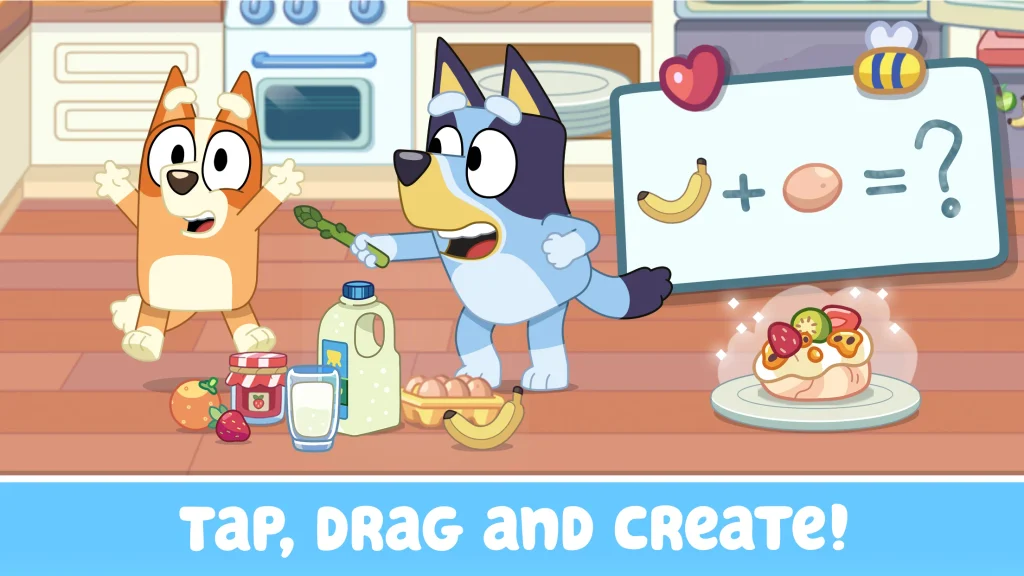
A child who loves Bluey may already know every corner of the Heeler family home from the television show. But what happens when they get the chance to create their own adventures with Bluey, Bingo, Bandit and Chilli? That is the idea behind Bluey Let’s Play Mod APK, an interactive mobile game that brings the familiar world of the popular animated series to a phone or tablet.
Developed by Budge Studios, the app gives young children a digital playhouse where they can explore different rooms, interact with everyday objects, enjoy simple activities and invent their own stories. Instead of following a fixed storyline, children decide what happens next. This makes the experience feel closer to playing with a collection of digital toys than watching another episode of a cartoon.
Step Inside the Heeler Family Home
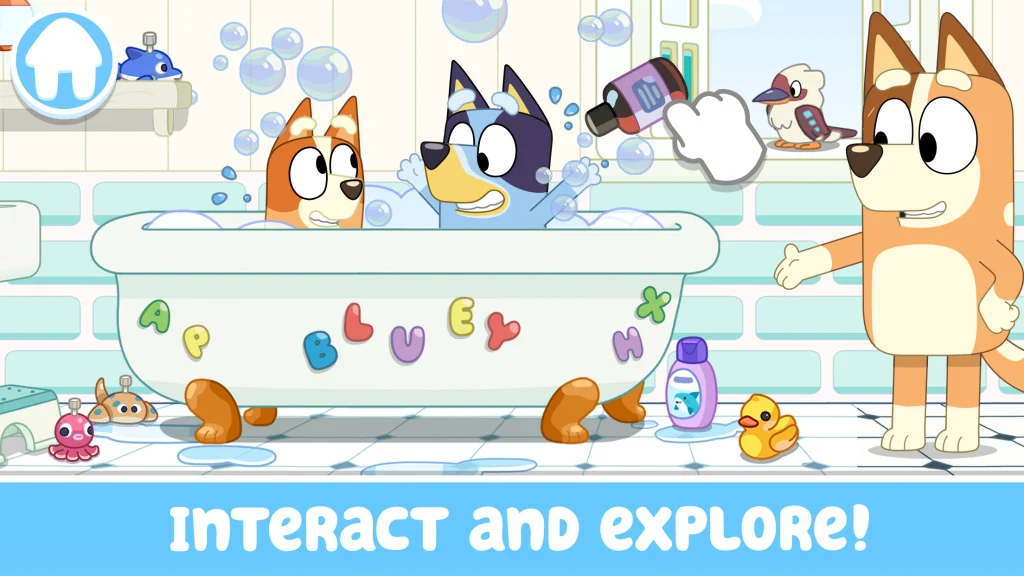
The main attraction is the familiar Heeler family house, which serves as a virtual playground. Children can explore different areas, discover interactive objects and find small surprises hidden throughout the environment. Each room offers opportunities for pretend play, allowing kids to create situations inspired by their favourite moments from Bluey.
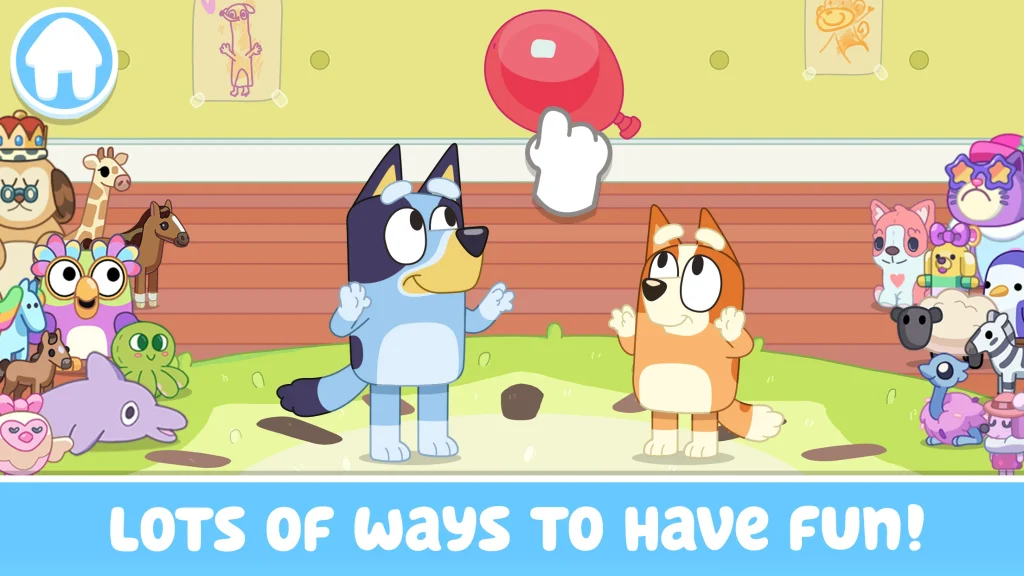
The experience includes familiar family members and characters, making it easier for young fans to connect with the activities. Whether a child wants to organise a tea party, prepare something in the kitchen or invent a funny family adventure, the environment encourages independent exploration.
There is no need to understand complicated instructions before getting started. Most interactions involve tapping, dragging or selecting objects on the screen. This straightforward design makes the game accessible to preschool children who are still developing their confidence with touchscreen devices.
Activities That Keep Little Imaginations Busy
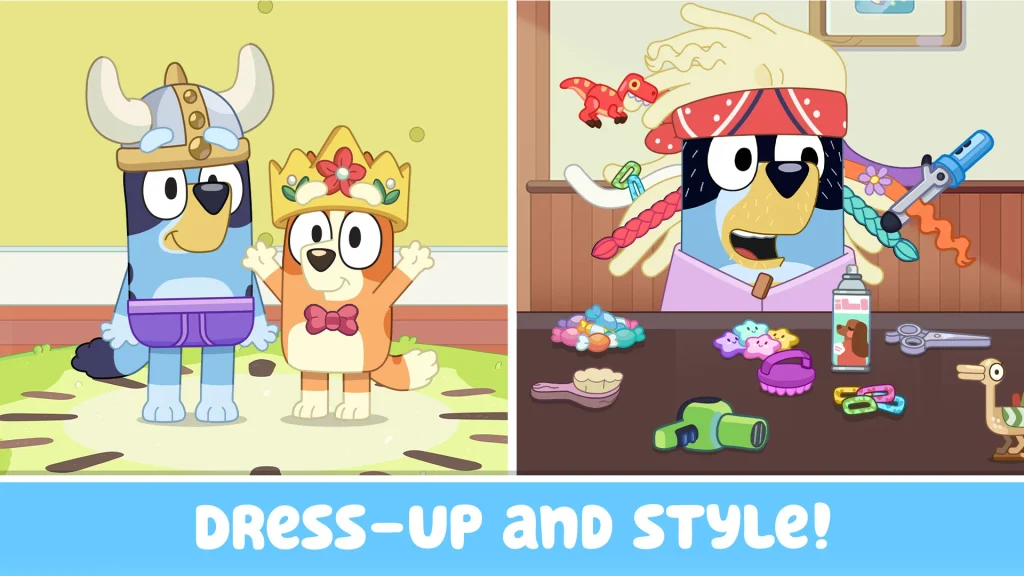
The app includes several types of activities rather than concentrating on one style of gameplay. This variety gives children different ways to spend their playtime.
- Pretend cooking and creative play: The kitchen provides opportunities to experiment with food-related activities and create imaginary family moments. Children can also participate in activities such as preparing a tea party or helping with a pizza oven in the backyard.
- Outdoor entertainment: The backyard offers playful activities such as bouncing on a trampoline, swinging and enjoying bubble-filled fun. These familiar situations encourage children to recreate experiences from everyday life.
- Mini-games and hidden surprises: Activities such as Keepy Uppy and Pop Up Croc add simple challenges to the experience. Children can also search for hidden Longdogs, giving them something extra to discover while exploring the house.
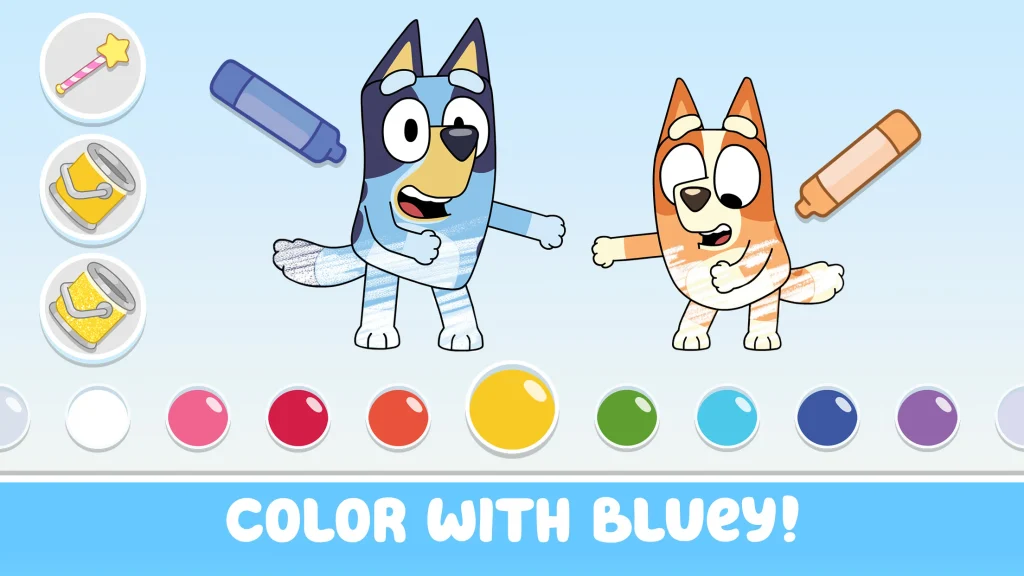
- Colouring activities: Young players can enjoy colouring pages featuring characters and scenes from the Bluey universe. This offers a different type of activity for children who prefer creative expression over interactive games.
The range of activities helps prevent the experience from feeling like a single repetitive game. Children can move between different experiences depending on their interests and mood.
Why Children Enjoy Creating Their Own Bluey Stories In Bluey Let’s Play Mod APK
One interesting aspect of the Bluey game is that children are not always required to complete a particular objective. They can decide how to use the available objects and characters, creating their own situations as they play.
A child might place characters around a table and invent a family dinner. Another might use the backyard to create an imaginary outdoor adventure. These activities allow children to experiment with storytelling without needing to follow a predetermined sequence. This type of open-ended play can encourage several useful skills:
- Creativity: Children develop their own characters, situations and imaginary stories.
- Decision-making: Choosing activities and deciding what happens next gives children opportunities to make simple decisions.
- Fine motor coordination: Tapping, dragging and moving objects involves controlled finger movements.
- Language development: Parents can encourage children to describe their activities and explain the stories they create.
- Social interaction: Playing together can create opportunities for conversations, cooperation and shared imagination.
These are potential developmental opportunities rather than guaranteed educational outcomes. The value depends on how children interact with the app and whether adults participate in their play.
Free Features, Subscriptions and What Parents Should Check
The Bluey: Let’s Play! App is available as a free download with optional in-app purchases. However, not every activity or area is necessarily available without payment. Some additional content requires a paid subscription.
This is an important consideration for parents who want to understand the full experience before installing the game. The subscription options and prices can differ depending on the platform and region, so checking the current purchase information is recommended. Before subscribing, consider the following:
- Check which rooms and activities are included in the free version.
- Review the subscription price and renewal conditions.
- Understand how to cancel recurring payments through the relevant app store.
- Check whether parental purchase restrictions are enabled.
- Consider whether your child will use the additional activities regularly.
The Google Play listing also indicates that the app contains advertising and in-app purchases. Parents should review the available privacy information and parental controls rather than assuming every feature is automatically restricted.
How to Download and Start Playing
Getting started is relatively straightforward. The app is available through the official Google Play Store and Apple’s App Store.
For Android users, search for “Bluey: Let’s Play!” by Budge Studios on Google Play. iPhone and iPad users can find the same title through Apple’s App Store. Always check the developer’s name before installing to avoid downloading an unrelated application.
After installation, open the game and explore the available activities. Children can begin interacting with objects, discovering different areas and creating their own stories. Some additional experiences may require a subscription.
The app is intended for mobile devices, so checking operating system compatibility and available storage before downloading can help avoid installation problems. You can also download Bowmasters Mod APK.
A Playful Digital Activity for Bluey Fans
The Bluey Let’s Play APK is best suited to children who enjoy imaginative activities, familiar cartoon characters and simple interactive experiences. Its biggest attraction is the freedom to explore the Heeler family home and create personal stories instead of following a strict sequence of challenges.
For parents, the main decision is whether the available free content offers enough variety or whether a subscription makes sense for their household. Checking the costs, privacy settings and available activities beforehand can help set realistic expectations.
If a child already enjoys Bluey, this interactive playhouse offers another way to spend time with the characters while using imagination to create adventures of their own.


